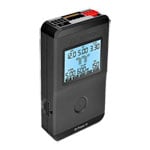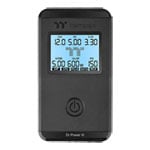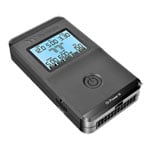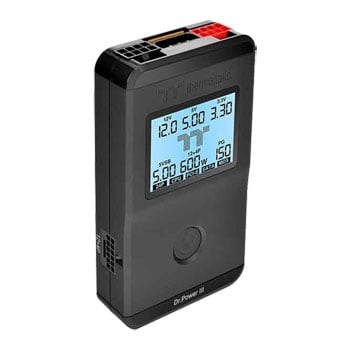

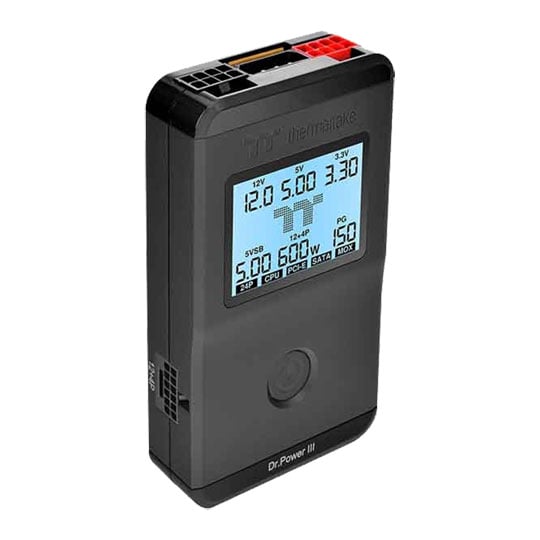
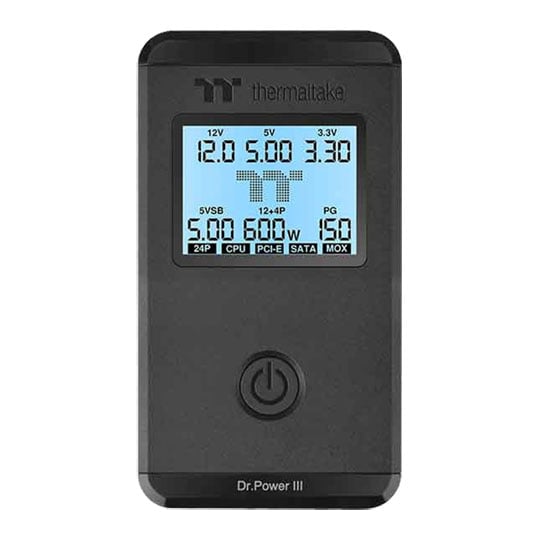
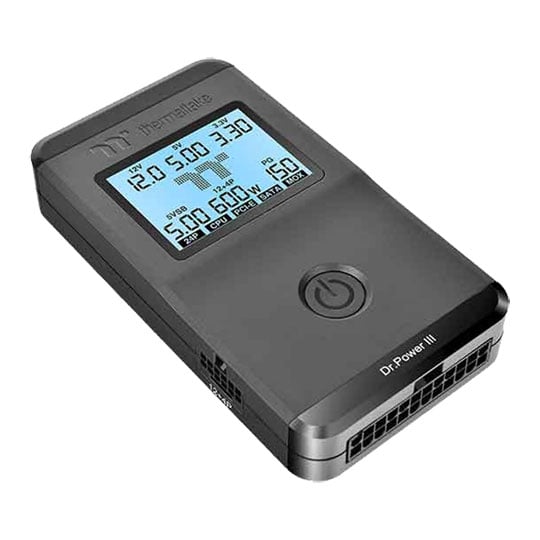
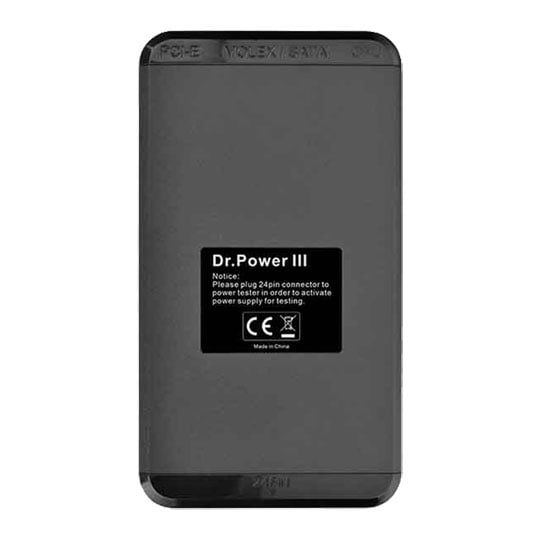


Thermaltake Dr. Power III Universal Power Supply & Diagnostics Tester upto PCIE 5.1 & ATX3.1
Thermaltake Dr. Power III Power Supply Tester, LCD Display, PCIe 12+4pin Detection, Flexible Testing Modes
Email me when the availability or price changes
- SCANPROTECT Protect against installation damage for 28 days.
Dr. Power III Universal ATX PSU Tester from Thermaltake

Universal ATX Power Supply Tester The Dr. Power III PSU Tester is precisely engineered to support modern ATX power supplies, including those compliant with ATX12V v3.1. It features a comprehensive layout with the PCIe 12+4pin connector and accurately identifies SENSE0/SENSE1 sideband signals. An integrated LCD screen elevates usability, enabling users to clearly view and understand test results with minimal effort.
Supports All ATX PSUs up to ATX12V v3.1
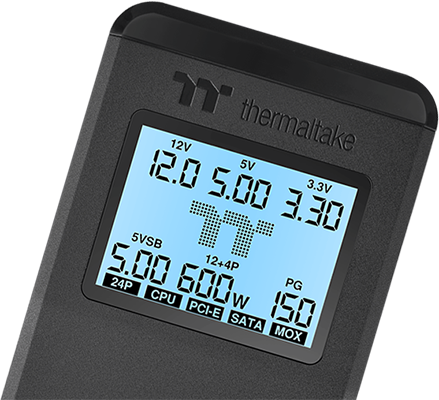
Real-Time Voltage LCD Display
The real-time LCD monitoring displays the output voltage for +12V, +5V, +3.3V, and +5Vsb. This instant feedback facilitates immediate assessment of power supply performance, enabling users to make informed decisions regarding their system's power delivery.
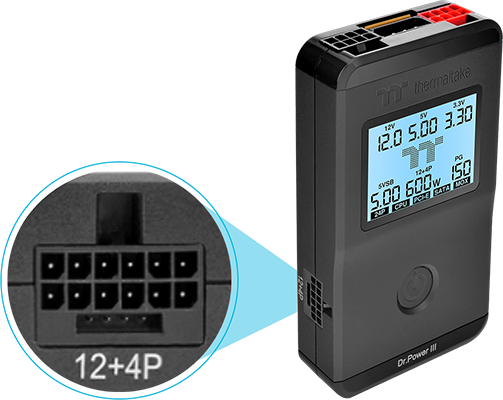
Precision in PCIe 12+4pin Connector Detection
The device meticulously detects the SENSE0/SENSE1 sideband signals of the latest PCIe 12+4pin connector, distinguishing power levels of 150W, 300W, 450W, and 600W, ensuring compatibility with a range of PCIe Gen 5.1 graphics cards and components.
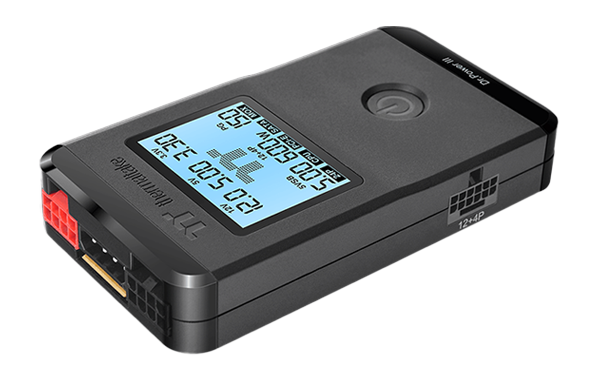
Flexible Testing Modes
Users can choose the approach that best suits their preferences with both manual and automatic testing modes, enabling them to quickly diagnose the power supply output status.
Built-In Diagnostic System for Proactive Maintenance
Dr. Power III incorporates a robust built-in diagnostic system that identifies issues such as low-voltage, high-voltage, no voltage, and PG alarm systems. If no fault occurs during the test, the LCD backlight will remain white. Once any fault occurs, the LCD backlight will turn red and make a “beep” sound. This proactive approach to diagnostics ensures that users are alerted to potential problems.

Normal
The backlight remains white.

Failed
The backlight turns red and "beeps".