


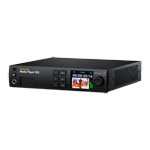
Blackmagic Media Player 10G
Blackmagic Design Media Player 10G, Dual 12G-SDI Playback Outputs, 12G-SDI Capture Input, 12G-SDI Loop Out, 10G Ethernet
Email me when the availability or price changes
Finance this product
- From £22.67 / month (APR 0%) for 36 months
- With a 10% deposit from just £20.38 / month (APR 15.9%)
Blackmagic - 'Media Player 10G'
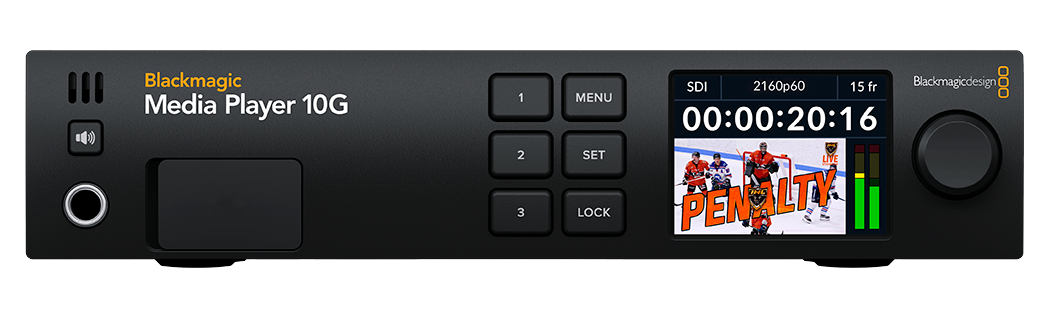
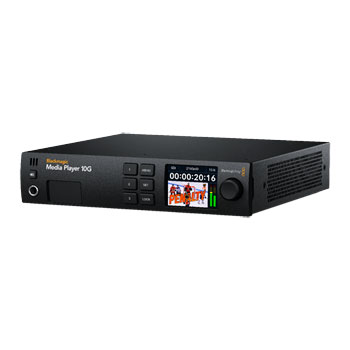
Capture And Playback Solution For Thunderbolt ComputersIntroducing the Blackmagic Media Player 10G, designed for playout to live production switchers and expansive broadcast systems. Beyond seamless video capture and playback capabilities, this powerhouse offers unparalleled versatility by integrating 10G Ethernet connectivity and power delivery. Equipped with dual 12G-SDI outputs for fill and key playback, alongside 12G-SDI capture functionality, it ensures uncompromised performance. The inclusion of 10G Ethernet facilitates effortless access to network storage while simultaneously powering your laptop, all through a single Thunderbolt connection. Plus, with full support for DeckLink API features, compatibility with most video software is guaranteed, ensuring a seamless workflow every time.
Get News Editing And Replay In DaVinci Resolve

DaVinci Resolve 20The DaVinci Resolve cut page has exciting new media player, editing and replay features. DaVinci Resolve handles common video file formats, so you can play any files your client gives you! For broadcast graphics, DaVinci Resolve can play video files that have an alpha channel, and they will be output as a 10-bit SDI fill and key. Plus the new multi source viewer allows visual media browsing, then any clips that match in time will be displayed in a multiview. New "on air" controls allow the key output to enable the downstream keyer in a switcher, so a single button can automate the playout to air. DaVinci can even add an automatic stinger! It's the perfect solution for news and replay.
Elegant Design With Broadcast Features
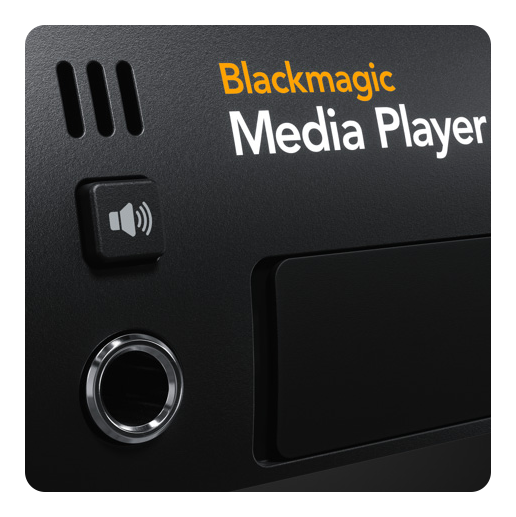
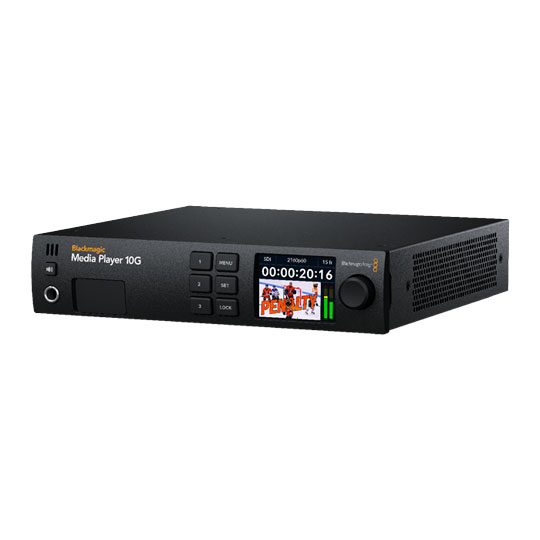
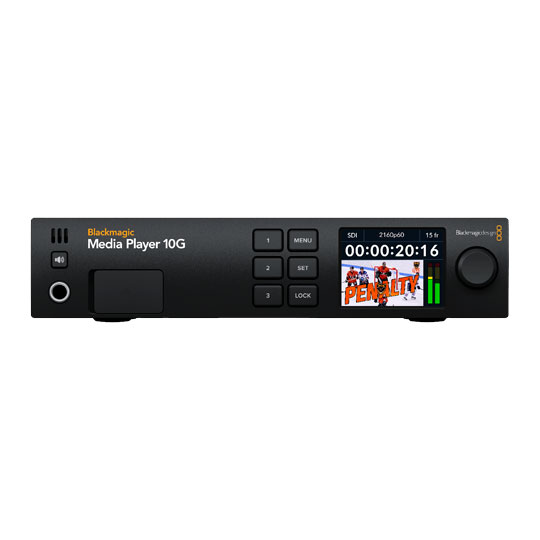
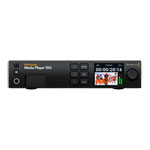
broadcast playbackBlackmagic Media Player includes everything you need for broadcast playback! Place it on the desktop or it can be rack mounted using a Blackmagic Universal Rack Shelf. The front panel has an LCD with video, audio meter status information that includes input, video standard and the depth of the record/playback frame buffer. The LCD also displays timecode for the SDI input or output, so you can quickly check all devices are in sync, critical for accurate POI and markers when broadcasting live replay. The audio meter can also be changed between VU and PPM. There's also a headphone socket, speaker and a speaker enable button! To lock the speaker on, just double press the speaker enable button.
Extremely Fast Thunderbolt Connection
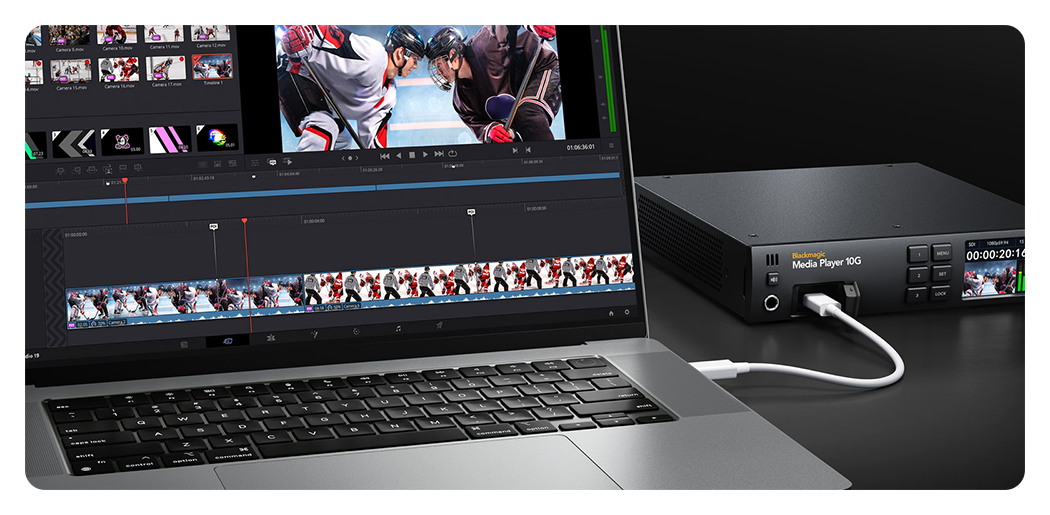
fast Thunderbolt with video capture and playbackBlackmagic Media Player includes fast Thunderbolt with video capture and playback, as well as 10G Ethernet and laptop power all over a single cable! This means your computer gets an Ethernet connection when Thunderbolt is connected so you also get fast access to network storage. With Thunderbolt, you get lots of speed to handle large 4:4:4:4 and 4:2:2:4 files with alpha channels, in all HD and Ultra HD video standards up to 2160p60. Blackmagic Media Player uses the DeckLink API, so almost all video software works. Plus the Thunderbolt link is bidirectional, so you can capture, process and output video in real time! Now you can use computers as a graphics processing engine
Connections For Replay, Monitoring And Extended Desktop
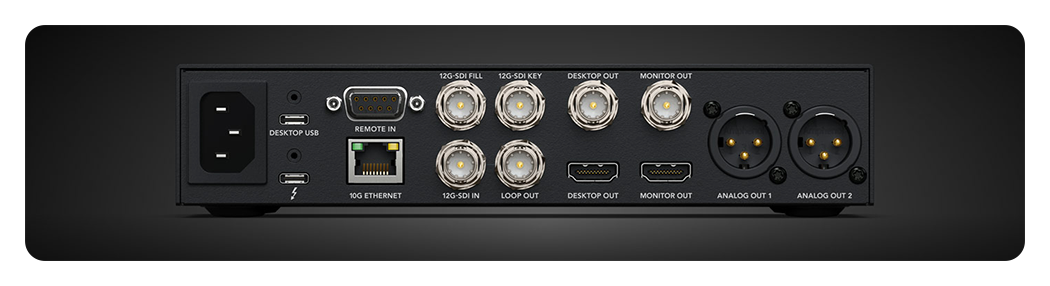
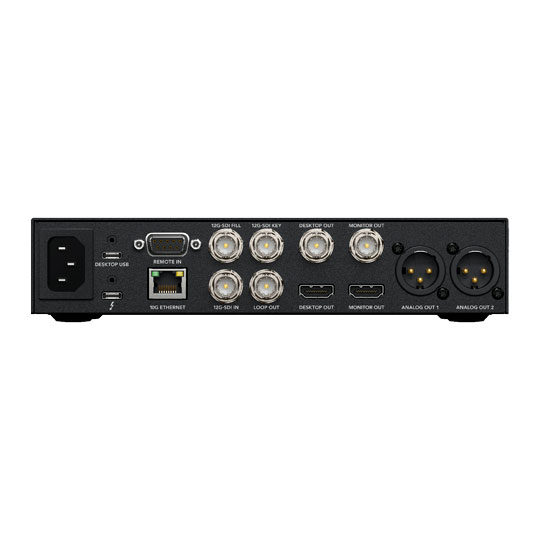
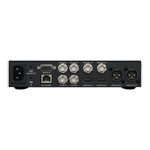
lots of connectionsThe Blackmagic Media Player has lots of connections for monitoring, extended desktop and fast networking. All with a single Thunderbolt connection! The program fill and key outputs can be muted so video won't key on a switcher until the replay has started. Then the dedicated 12G-SDI and HDMI monitoring outputs are always active so you can set up the next replay. There's even balanced audio out for powered speakers. 12G-SDI video in allows live input monitoring of the switcher multiview for replay. Plus, the 10G Ethernet provides fast access to shared storage for working with ISO video files. There's even an extended desktop for the DaVinci UI, plus a USB expansion for a keyboard and mouse.
Supports Independent Fill And Key Outputs
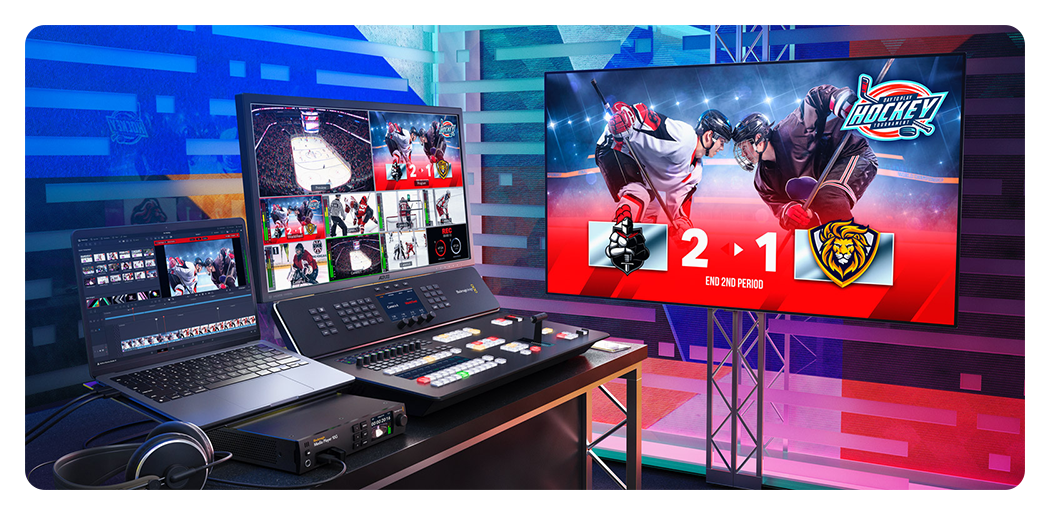
broadcast graphicsWith dual 12G-SDI video outputs, Blackmagic Media Player can connect into live production switchers so broadcast graphics can be overlaid with transparency. Internally, there's hardware support for both RGBA and YUVA frame buffers. With RGBA graphics, the Blackmagic Media Player will automatically transcode the RGB pixels to 10-bit YUV on the fill output and the alpha channel to the 10-bit key output. The two SDI outputs are then connected to a live production switcher where they can be keyed over video. The key output ensures you get smooth blending of the transparent elements in the images. This all means that Blackmagic Media Player is ideal for broadcast graphics and stingers.
Simultaneous Capture And Playback
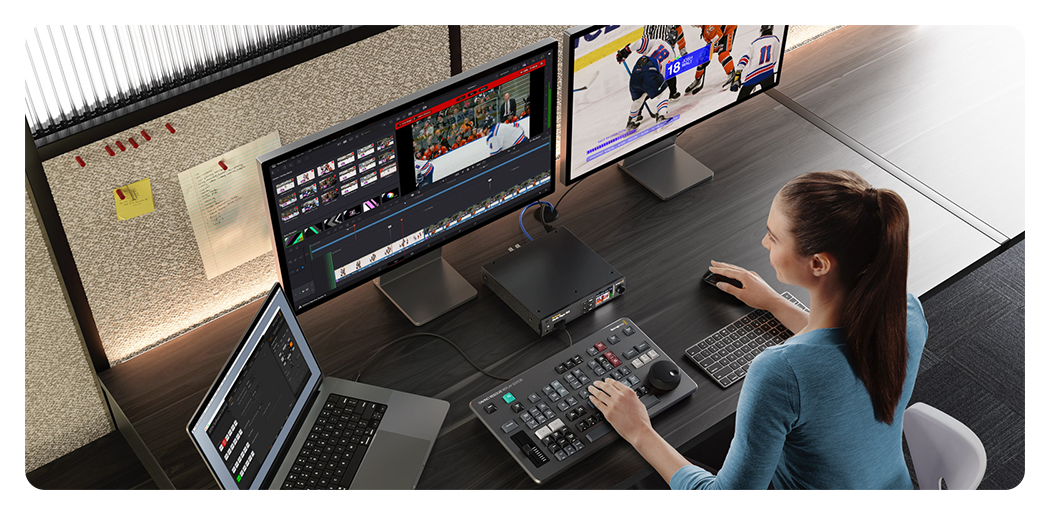
Desktop Video softwareBlackmagic Media Player uses the same Desktop Video software that's used in our popular DeckLink and UltraStudio capture and playback solutions. This driver supports simultaneous real time bidirectional transfer of video data to and from the computer. Plus the latency is extremely low. What this means is you can capture image data into the computer from the SDI input, while at the same time, send image data from the computer to the SDI outputs. This lets you create some amazing solutions where the computer is a processing engine. Imagine using the computer as a keyer, or generating broadcast graphics over the live input! Or even exciting new AI based processing overlaid on live video.
High Speed Ethernet For Network Storage Access

high speed 10G Ethernet portThe high speed 10G Ethernet port means that the Blackmagic Media Player gives you access to network storage when your computer is connected to the Thunderbolt port. This means you don't need extra Ethernet adapters as you get video and network with a single cable. 10G Ethernet is 10 times faster than regular Ethernet so you get enough speed for lots of video streams, common when doing replay work. The 10G Ethernet port also features very low latency for fast access times. Plus Blackmagic Cloud Stores have 10G Ethernet, which means you get the speed to access shared media and ISO recordings so you can have multiple editors all working together in DaVinci Resolve.
Get True 10‑Bit Broadcast Video Quality
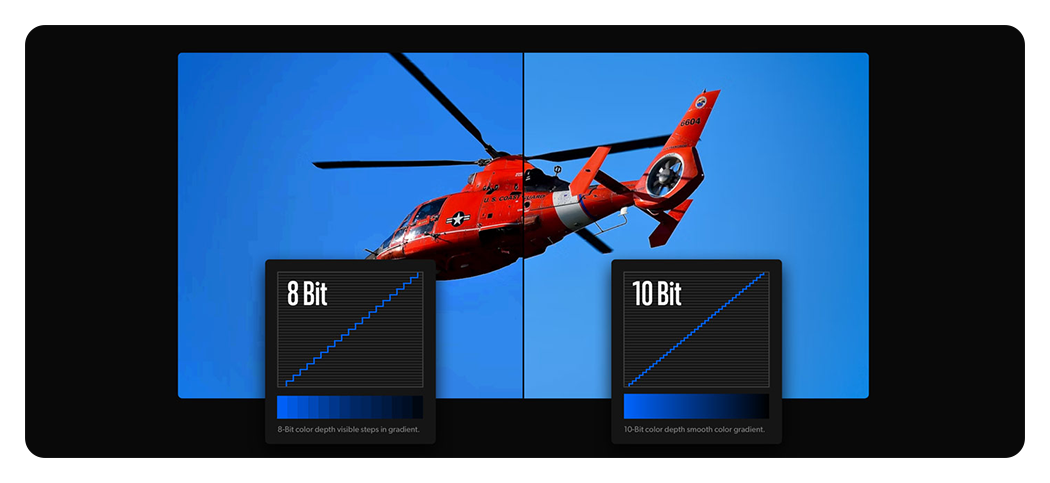
designed to support the highest quality videoBlackmagic Media Player is designed to support the highest quality video. You get support for capture and playback to popular video formats such as Apple ProRes, DNxHD or even 10-bit uncompressed, so you’re never locked into a single file format. 10-bit is the most commonly used television standard as colours can be represented with 4 times the precision of 8-bit video. Only working with 10-bit uncompressed video will ensure all images are a perfect pixel for pixel clone of the original source, so you’re always working at the absolute highest quality possible. This means you get the sharpest green screen keying, seamless VFX compositions and superior colour correction.
Works With All Popular Video Software
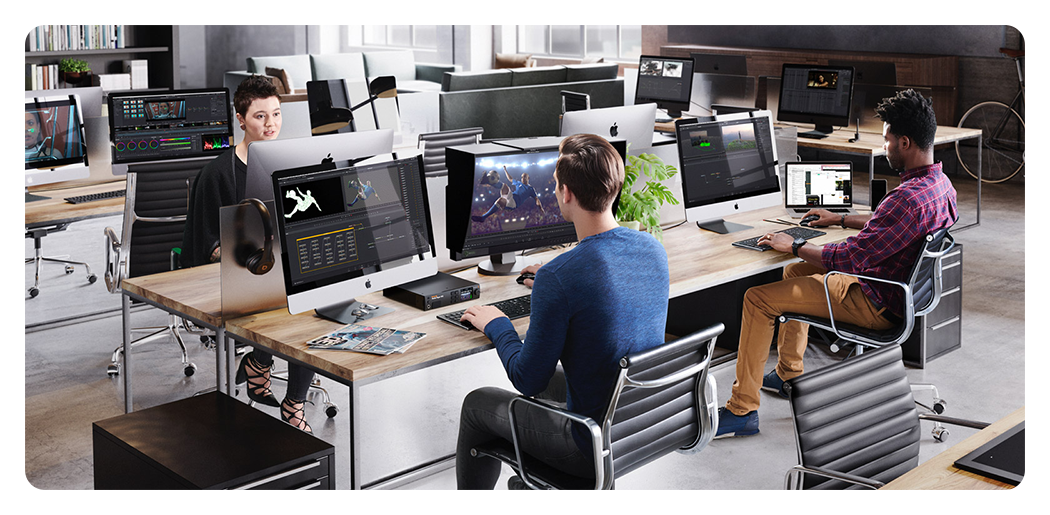
support for all popular video softwareWith support for all popular video software, the Blackmagic Media Player gives you the freedom to work with the tools you already know and love. Blackmagic Media Player is perfect for using DaVinci Resolve for broadcast editing and colour correction work. Because Blackmagic Media Player supports capture and playback at the same time, you can even use the live grading feature in DaVinci Resolve to capture video, apply colour correction and then output it all at the same time. Blackmagic Media Player also works with other editing software including Final Cut Pro, Media Composer, Premiere Pro and more. You can even create stunning visual effects with Fusion, After Effects and Photoshop.
Use Powerful Broadcast Graphics Tools
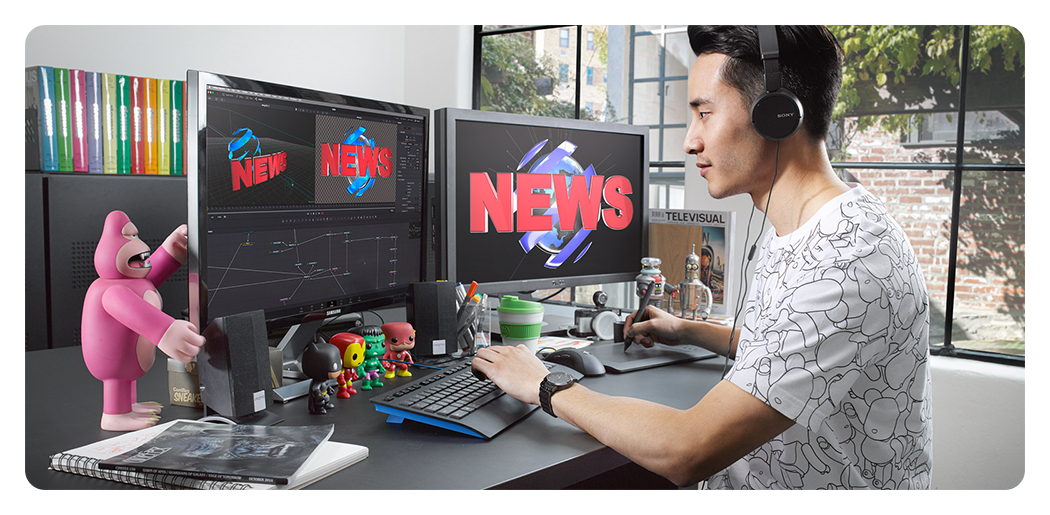
no retraining requiredWhen creating broadcast graphics and titles, you will want to use the same tools graphic designers are already familiar with, so you get the most creativity, with no retraining required. Blackmagic Media Player works with Fusion, which is the visual effects software integrated into DaVinci Resolve, as well as Adobe After Effects and Photoshop. Fusion Studio is a powerful node based compositing VFX tool with 2D and 3D environments, hundreds of effects and more. Plus you can download and use Fusion free of charge in DaVinci Resolve! You can use the included Blackmagic Media Express software to capture and play back video into files that can be loaded into Fusion, After Effects or Photoshop.
The Latest Ultra HD Video Standards

Supports All HD and Ultra HD Standards to 2160p60Blackmagic Media Player has multi-rate 12G-SDI connections which support HD for broadcast video use as well as the latest Ultra HD video standards. In HD, the Blackmagic Media Player supports 720p, 1080i and 1080p standards up to 1080p60. In Ultra HD you get support for all standards up to 2160p60. When connected to 3G-SDI sources, you can also switch between level A and B. Blackmagic Media Player is the ideal solution for broadcasters, because it allows you to migrate to Ultra HD and 4K work now! Plus Blackmagic Media Player can be software updated to add new television standards later.
Traditional RS-422 For Broadcast Automation Control
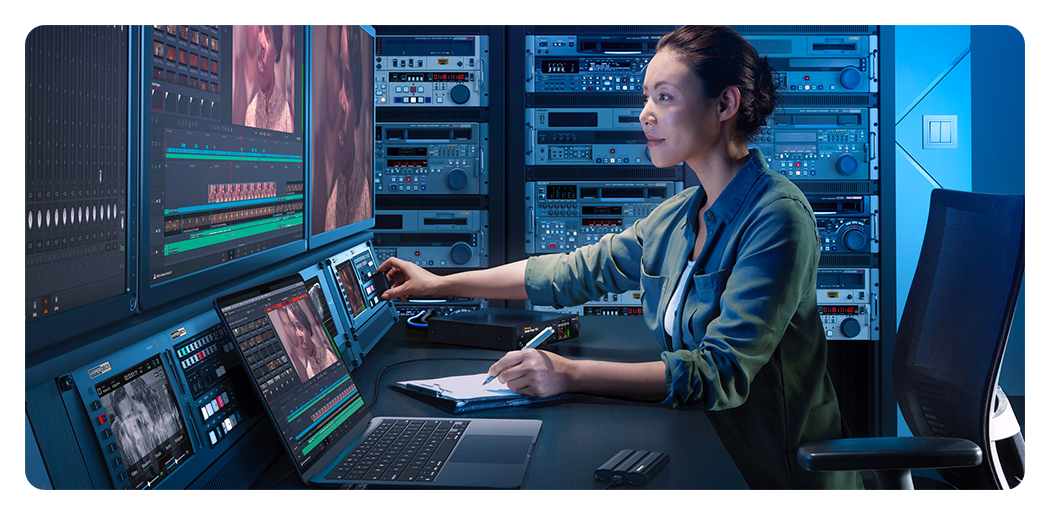
RS-422 ProtocolThe most popular control connection used on broadcast decks since the early 1980s is the RS-422 protocol. Originally developed by Sony, RS-422 is used on almost all broadcast gear. Blackmagic Media Player features an RS-422 deck control input connection so you can remote control software that supports the remote port using broadcast automation systems. The connection also supports extra commands for the Advanced Media Protocol for managing disk recorders. It's easy to use RS-422 and we even include documentation of the supported remote control commands in the Blackmagic Media Player instruction manual, which you can download from the support page of our web site.
Develop Custom Solutions With The SDK
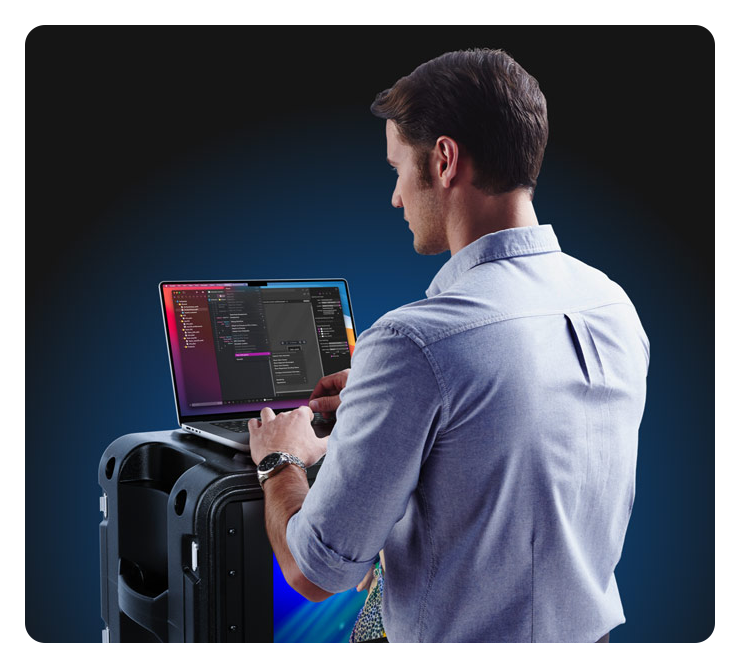
Blackmagic Desktop Video SDKIf you want to develop custom solutions for Blackmagic Media Player then simply download the Blackmagic Desktop Video SDK for Mac, Windows and Linux free of charge! The developer SDK makes it easy to develop your own custom solutions for in house use, or to sell to other broadcasters! The Desktop Video SDK provides low level control of hardware when you need flexibility, as well as high level interfaces which are easier to use for more common tasks. Thousands of manufacturers and developers use Blackmagic DeckLink cards in their products, so you get the confidence that the Desktop Video SDK will provide a solid foundation for developing commercial quality broadcast solutions.
PayPal Credit
| Monthly Payment: | £68.00 |
| Instalment Rate: | 0% p.a. (fixed) |
| Cost of purchase: | £815.99 |
| Total inc. interest: | £815.99 |
| Monthly Payment: | £34.00 |
| Instalment Rate: | 0% p.a. (fixed) |
| Cost of purchase: | £815.99 |
| Total inc. interest: | £815.99 |
| Monthly Payment: | £22.67 |
| Instalment Rate: | 0% p.a. (fixed) |
| Cost of purchase: | £815.99 |
| Total inc. interest: | £815.99 |
| Example | |
| Minimum Spend: | £99 |
| Instalment Rate: | N/A |
| Cost of purchase: | £99 |
| Total inc. interest: | £99 |
Representative Example:
Purchase Rate: 23.9% p.a. (variable)
Representative: 23.9% APR (variable)
Assumed Credit Limit: £1,200
Subject to status. Terms and Conditions apply.