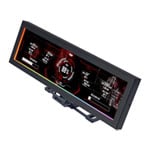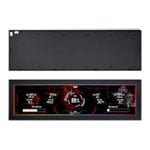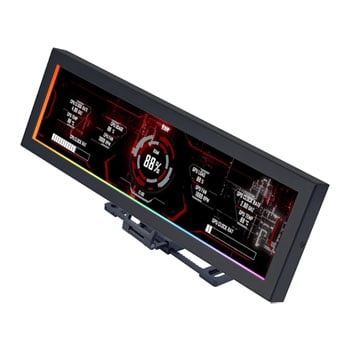

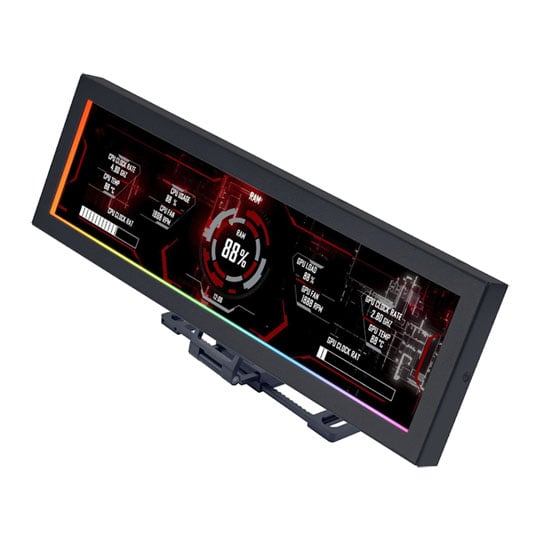
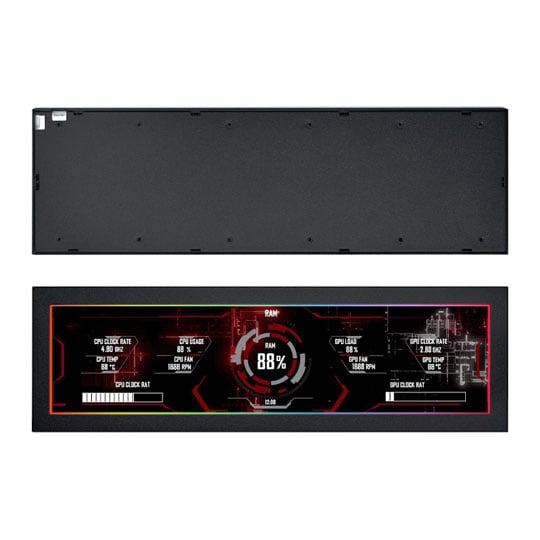


Lian Li 8.8" Universal IPS Screen With Modular Freestanding Mount/Case Bracket Metal Black
8.8" Lian Li Universal Screen, IPS Display, 500 Nits, 60Hz, USB 2.0, Modular Stand, Fan Bracket Mountable, Black
Email me when the availability or price changes
Finance this product
- Spend over £390.00 and Buy Now, Pay Later or spread the cost of your finance over 24-48 months with a 10% deposit.
- SCANPROTECT Protect against installation damage for 28 days.
Frequently Bought Together
8.8" Universal Screen With Modular Freestanding Mount from Lian Li

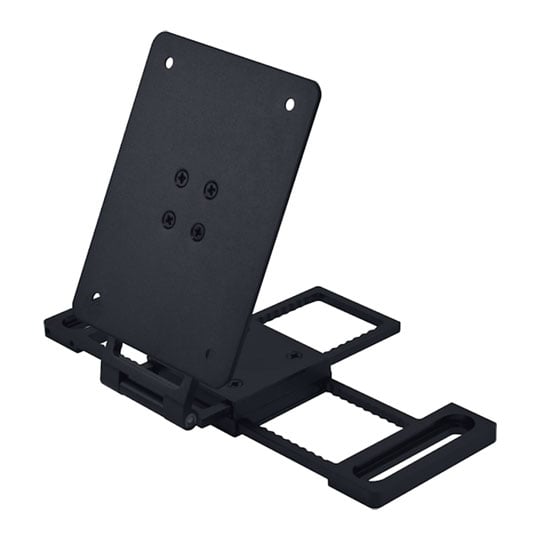
Where Specs Become SpectacleThe 8.8" Universal Screen transforms your setup into a living showcase, bringing system stats and custom graphics into view with stunning clarity. Its ultra-slim 13mm profile and versatile mounting let it slip onto case panels, fan frames, or stand proudly on your desk, instantly adding a touch of theatre to your build. With a smooth sliding rail and hinge system, every angle is yours to command, cutting glare and framing your display exactly how you want it. Powered by L-Connect 3, it needs just a single USB connection to unlock—no GPU passthrough, no stress, just pure display freedom.
1920 x 480HD Resolution
IPSPanel Type
60 HzRefresh Rate
500 NitsScreen Brightness
Mounts Any Way, Anywhere
The Future of ExpressionWe’ve seen AIO coolers add tiny screens, but this is the first time you get a dedicated panel with the freedom to mount it wherever it looks best. It’s not tied to a pump block or locked to one spot—it’s a full display that becomes part of your build’s personality. Each position changes the way the information feels: overhead it becomes the focal point, on the side panel it greets you when you open the case, on a bracket it adds motion and depth.

Fan Bracket

Adhesive

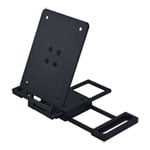
Freestanding

Door Hinge
Ultra Adaptable Mount

Slim and UnderstatedThe Universal Screen arrives in an ultra-slim 13mm profile and 237mm length, designed to complement showcase builds without taking up valuable space. Its understated frame blends naturally into any setup, with the option to fold out into a freestanding display. Even adhesive mounting is supported, giving you the go-ahead to place the screen flat against surfaces when brackets aren’t the answer.
Easy ARGB RoutingOn top of that, the frame features dual 3-pin ARGB connectors—one on the side and one at the base. This clever arrangement makes routing simple, no matter how or where the panel is mounted.


Unobtrusive Fan Bracket MountingA sliding rail and hinge mechanism clips directly into 120mm or 140mm fan bays, giving you freedom to position the screen exactly where it enhances your build. Its low-profile design preserves airflow even when mounted across active fans, while the hinge provides smooh, fine-tuned angle adjustments.
Infinite Expression with L-Connect 3

Any Content, Any ColourThrough L-Connect 3, the screen can display live system data, rotating visuals, or act as a clean secondary panel—even dropping into a simple clock when idle. Upload your own GIFs, MP4s, JPEGs and PNGs to show off your personality, match your build’s theme, or loop that one meme your friends can't escape—all framed by a fully customisable ARGB border that syncs seamlessly with the rest of your setup.


No GPU Needed!

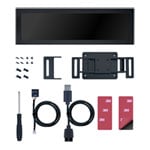
Engineered With CarePowering the screen couldn’t be simpler—it runs entirely over USB 2.0. You can route it like a standard peripheral into the motherboard’s rear I/O, or connect directly inside the case with the familiar 9-pin header that Lian Li favours across its accessories. No GPU passthrough, no hardware headaches, just a single connection to bring the display to life.

Full-Blown Screen CastingThrow up your music player, editor timeline, Discord chat, or even a Twitch stream through L-Connect 3, in your case or on your desk while you game fullscreen. It’s not just cool—it’s actually usable. And it makes your rig feel more alive than ever.

Offline Clock ModeWhen the system powers down, the screen doesn’t have to go dark. Drawing just enough standby power through its connectors, you can optionally configure a dedicated offline clock mode—showing the time while the PC sleeps.