What type of post-production workflow device is right for you?
The first step is knowing which device fits your style:
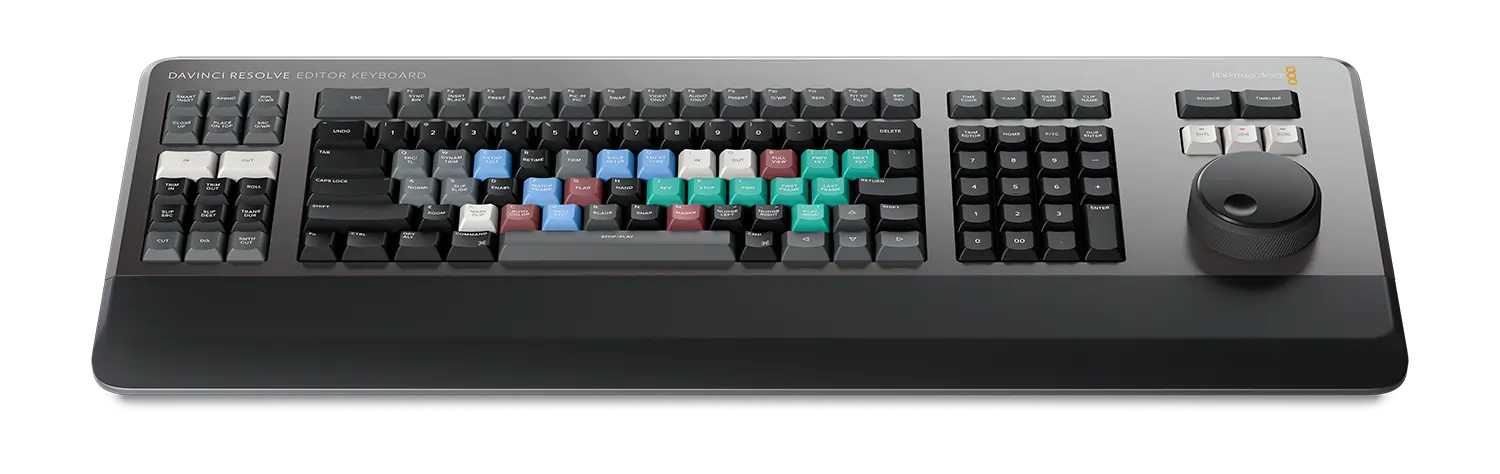
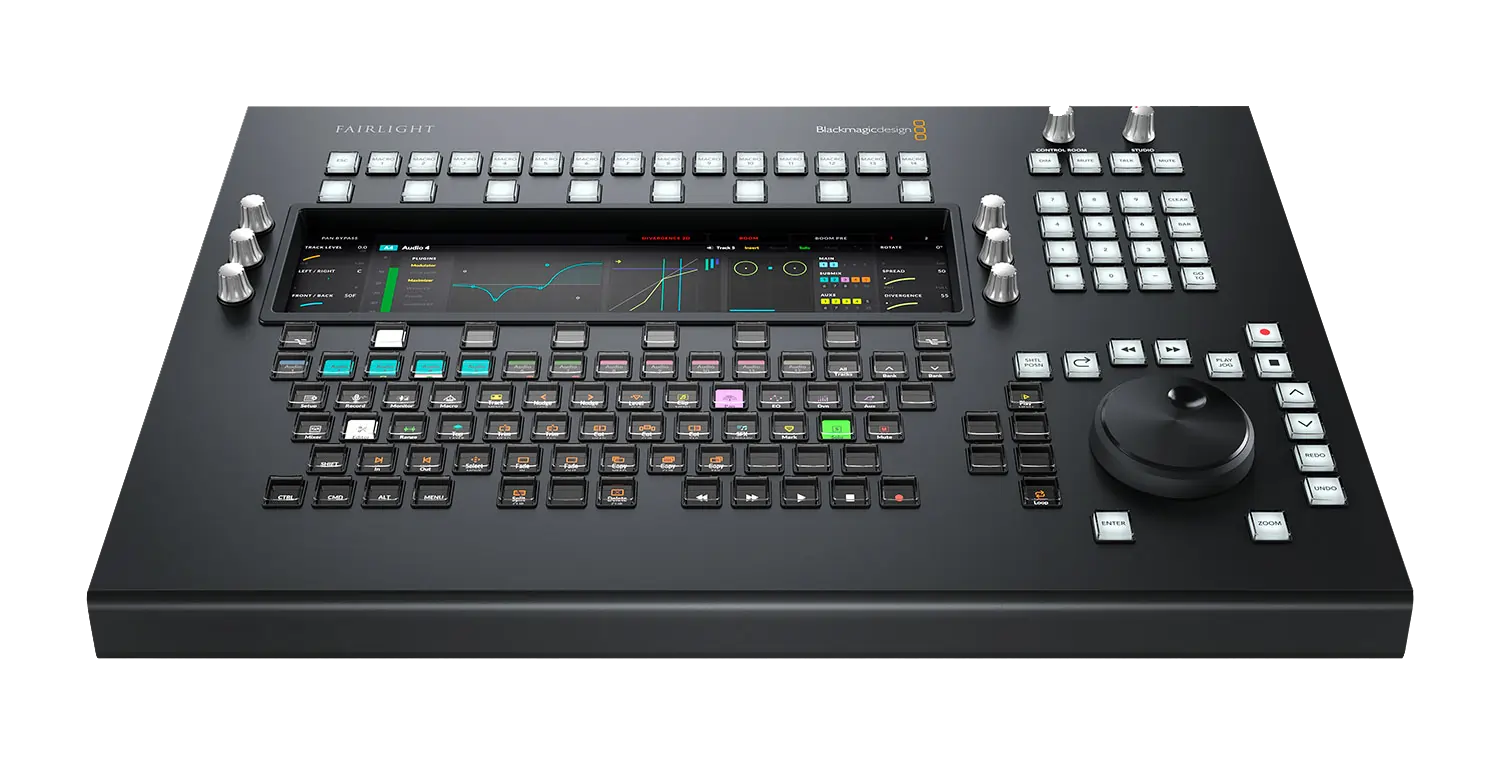
Video Editing Keyboards
Designed with shortcuts and controls tailored to major editing software (Adobe Premiere Pro, Final Cut Pro, DaVinci Resolve), video editing keyboards enhance speed and accuracy. Features to consider:
- Custom Shortcut Keys: Programmable keys for your most-used commands cut down repetitive mouse clicks.
- Durability & Ergonomics: Sturdy build with comfortable key travel and layouts designed to reduce strain during long editing sessions.
- Backlighting: Essential for low-light editing environments, enabling quick key identification.
- Compatibility: Ensure full software integration across Windows and macOS platforms.
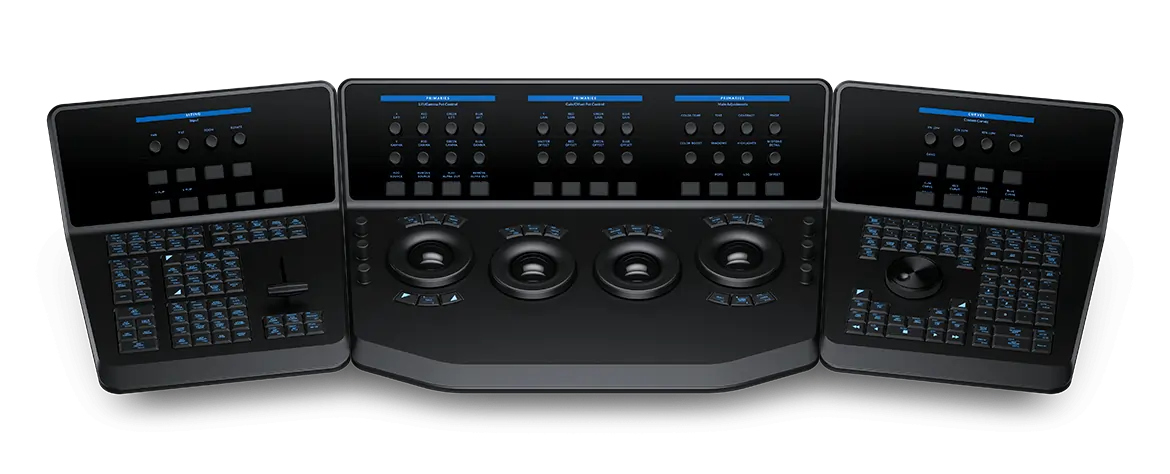
Colourist Control Surfaces
Colour grading is a tactile art refined by control surfaces featuring trackballs, knobs, and sliders for real-time, hands-on adjustment. This hardware enables faster workflows and more intuitive colour correction than mouse-driven controls. Key considerations:
- Number of Controls: More trackballs and knobs provide simultaneous control over lift, gamma, gain, saturation, and other grading parameters.
- Build Quality: Professional surfaces offer robust, smooth operation with precision encoders.
- Software Support: Confirm compatibility with industry-standard colour grading suites (e.g. DaVinci Resolve).
- Expandability: Modular designs allow stacking multiple control panels for comprehensive control or future upgrades.
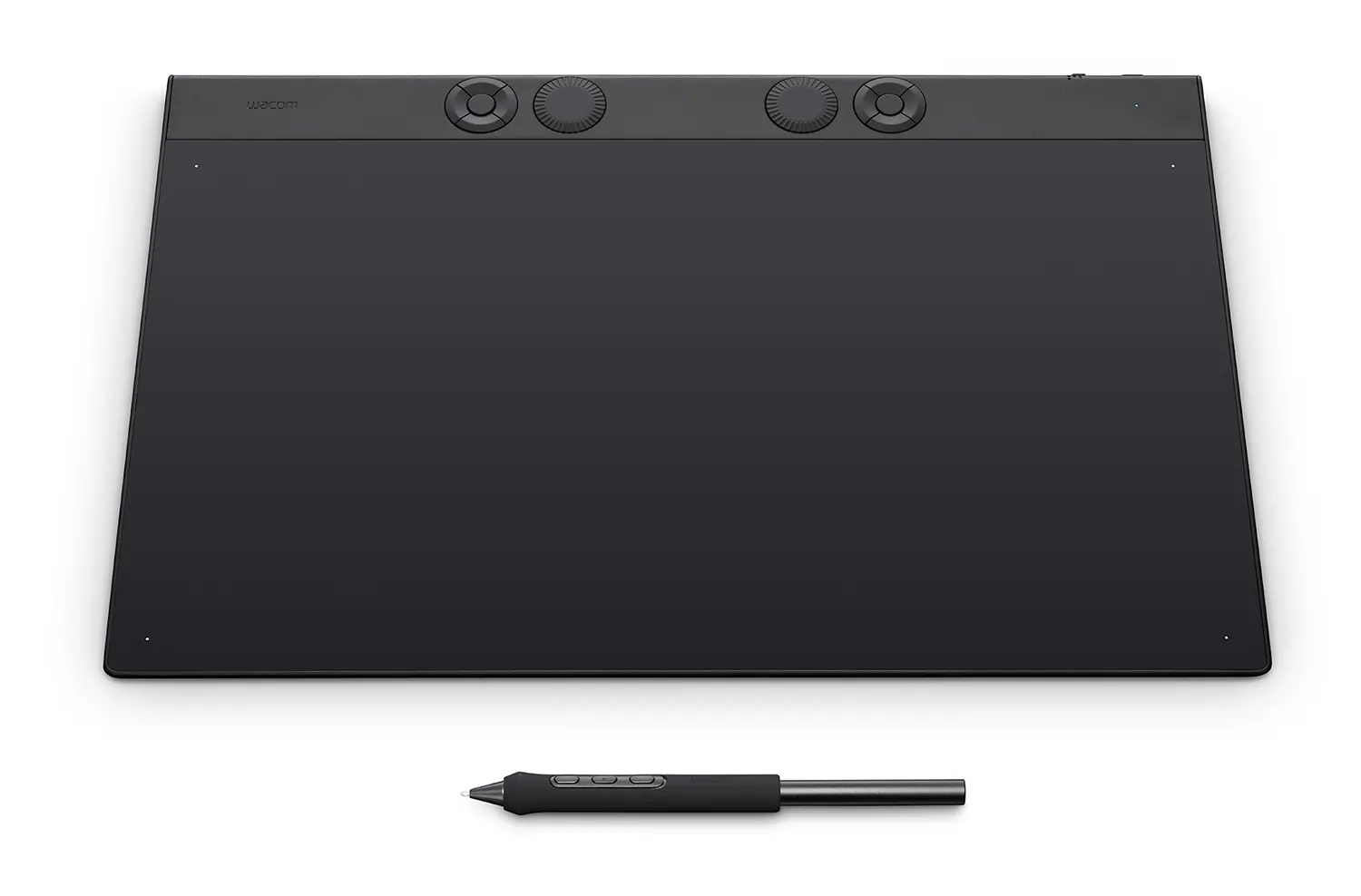
Graphics Tablets
Graphics tablets deliver natural, pen-driven input ideal for fine edits, rotoscoping, and effects work. Their pressure sensitivity and precise cursor control offer smooth brush strokes and enhanced artistic control. When choosing a tablet:
- Active Area Size: Larger displays offer more space to work but take more desk space.
- Pressure Levels: Higher pressure sensitivity allows greater nuance in brush and masking tools.
- Multi-Touch Support: Gestures and zoom/pan control can speed workflow.
- Shortcut Buttons: Customisable buttons on pen or device allow common commands at your fingertips.
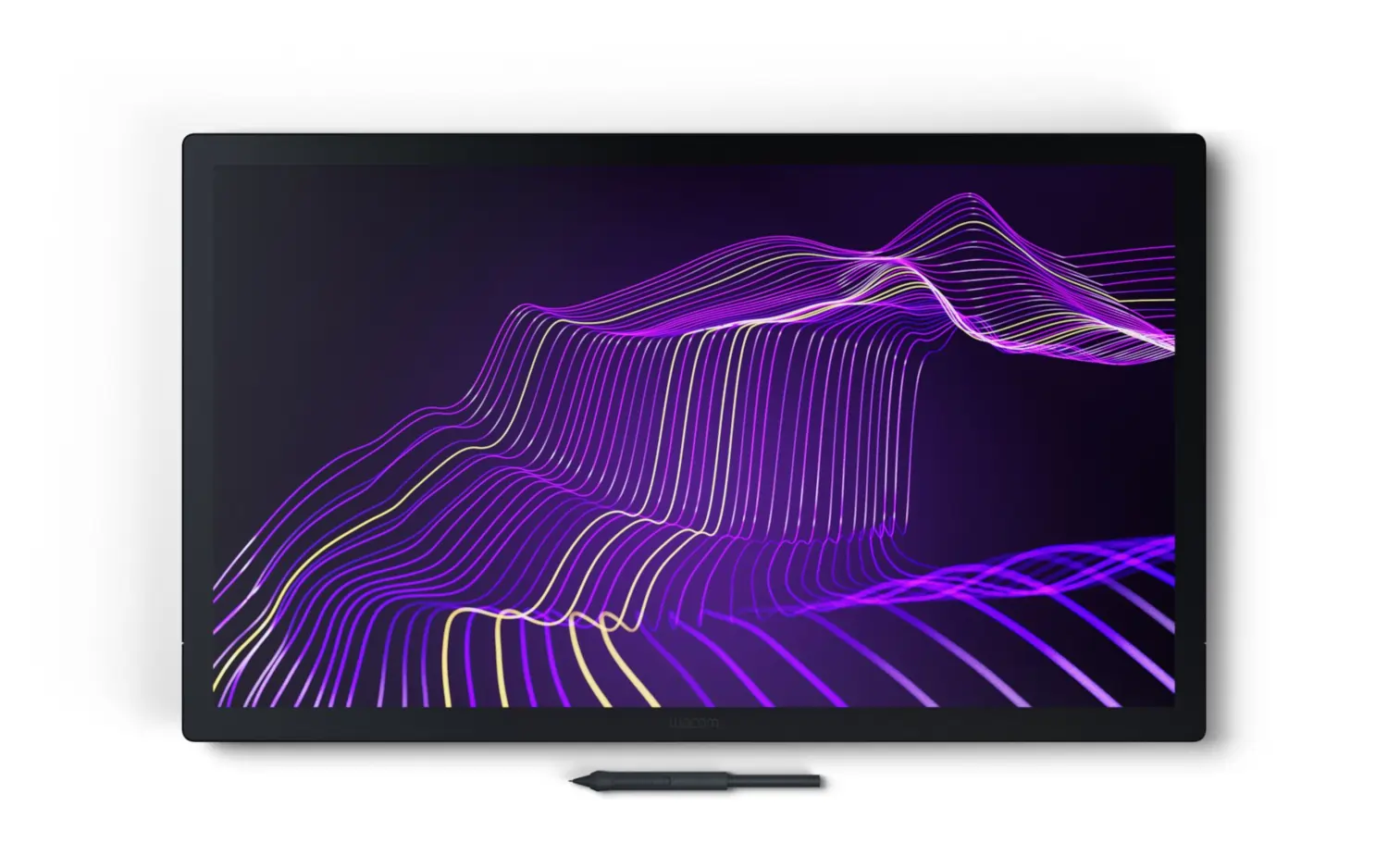
Professional Pen Displays
Pen displays combine the precision of a graphics tablet with an integrated high-definition screen, allowing creators to draw and edit directly on the display for a more immersive and intuitive experience. Key benefits include:
- Direct On-Screen Editing: Work directly where your eyes are focused, improving accuracy and reducing hand-eye coordination challenges.
- Colour Accuracy: High-end displays offer excellent colour reproduction critical for video editing and colour grading.
- Pressure Sensitivity and Tilt Recognition: Advanced pens provide nuanced control for detailed effects and masks.
- Customisable Express Keys: Programmable buttons both on the pen and display help streamline workflow.
Summary Overview
Choosing the right video editing keyboards, graphics tablets, and colourist control surfaces can transform your post-production setup from ordinary to professional. By improving ergonomics, workflow speed, and creative precision, these specialised devices empower editors and colourists to work more comfortably and effectively- delivering stunning results faster in today’s demanding production environments.
For Post-Production Software look at our offerings here.
For video editing system recommendations, explore our Video Workstations Buyer’s Guide.
Ready to Buy?
Browse our selection of Video Editing Keyboards & Colourist Control Surfaces to find the perfect fit for your setup.
Frequently Asked Questions FAQ
Here are some common questions and answers to help you find the information you need.
Consider video editing keyboards with dedicated shortcut keys labelled for editing software, a multi-function tactile dial for scrubbing or timeline navigation, and customisable macros. Backlit keys, ergonomic design, and compatibility with Mac and Windows platforms further improve efficiency and comfort for Premiere Pro and Resolve workflows
Video editing keyboards with LED/RGB backlighting make it easier to see shortcuts and functions during late-night or studio edits, reducing errors and improving workflow speed in low-light conditions
The Blackmagic Resolve Editors Keyboard and Speed Editor, as well as Tangent Element and Ripple panels, are highly rated for DaVinci Resolve due to their dedicated controls, integration, and support for advanced grading functions.
Yes! By minimizing clicks and streamlining common actions, these tools can reduce editing and grading time by up to 30%, making complex tasks more accessible and enabling editors to focus on creative decisions rather than software navigation.