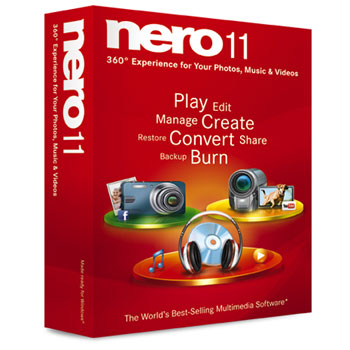
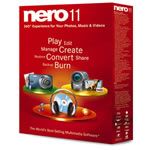
Nero 11 Media Suite *See LN47058 for Nero v12
Scan code: LN41869
Manufacturer code: AHE425
End Of Life

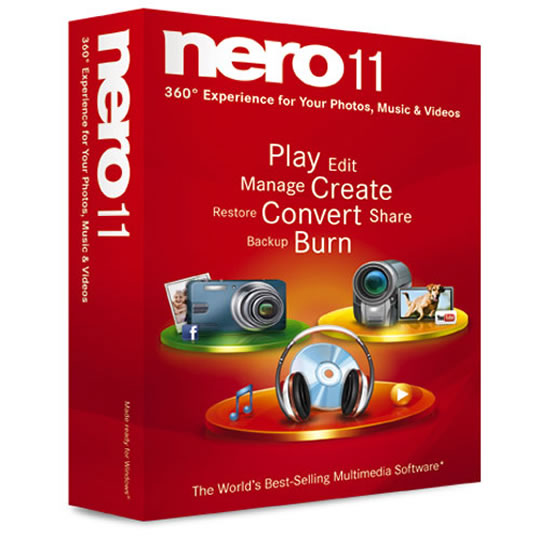
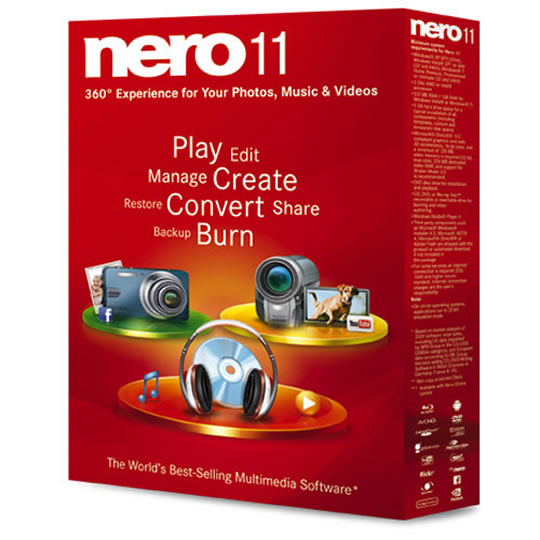


Nero 11 Media Suite *See LN47058 for Nero v12
Nero 11 Multimedia Suite Burn, Play Audio/Video/Photo, Encode, RE-Code *See LN47058 for Nero v12
Scan code:
LN41869
Manufacturer code:
AHE425
This product is no longer available to purchase.
Email me when the availability or price changes
- 3XS Approved Custom picked by our award winning 3XS Systems team.
Product Overview
Integrated Nero MediaBrowser
One-stop access from your library to your project.
Video The all-new Nero MediaBrowser gives you a jump-start on projects. From most projects you can access your library of music, photos and videos with just one click. Drag-and-drop photos, videos or music files from Nero Kwik Media library into your project for a seamless and integrated experience.
Create photo books
Delivered from your PC to your door.
Create lasting photo book, calendar and card memories with your family pictures in just seconds, and share with friends and family. No matter what the occasion, you can edit and create beautiful bound books, calendars and cards for gift-giving or for your own keepsakes. Best of all, you can showcase your beautiful pieces with professional printing, and have it delivered right to your door.
Convert DVD-Video* and video files
Multiple video files — no problem.
Video From videos on your mobile phone to DVD movies, every device seems to require a different playback format. Nero 11 provides advanced video transcoding that converts virtually any DVD-Video or video file to any video format for playback on any device so you can seamlessly watch your favorite videos anywhere or any place.
* Non-copy protected DVD-Video
Features
Import Windows Live Movie Maker™ projects
Elevate your movie projects
Video Import and edit Windows Live Movie Maker projects directly within Nero 11. Open Windows Live Movie Maker video files directly, then immediately begin enhancing the original project with more effects for professional results, all within a seamless editing experience. Use Nero's Advanced Editing features to give your videos the professional touch.
Easy and Advanced Video Editing Modes
Go from Easy to Advanced with a click.
Get amazing creative results no matter what level of video editing experience you have. Easily switch from express video editing storyboard to advanced multi-track editing with just one click, and seamlessly hand over the same project within the same window. Go from quick and easy template effects to multi-track editing, keyframe controls within the same video editing screen, amazing Picture-in-Picture effect overlay templates and more. Ramped up to give you the best output, your home video projects will impress your friends and family like never before.
Burn long lasting discs
Create discs that last and last.
Video Expect nothing less than the best with the experts who started burning. Exclusive Nero SecurDisc 3.0 with Surface Scan helps ensure disc readability regardless of scratches, age and deterioration so your content remains intact for a long time.
Ripping of DVDs
DVD-Videos ripped with just a click.
Move your movies from DVDs straight to your PC with one-click ripping. Put all your DVD movies* into one Media Library by ripping to your PC. Advanced settings let you rip exactly what you want—strip out unwanted sections, foreign languages, extras and more.
* Non-copy protected DVD-Video
One-stop access from your library to your project.
Video The all-new Nero MediaBrowser gives you a jump-start on projects. From most projects you can access your library of music, photos and videos with just one click. Drag-and-drop photos, videos or music files from Nero Kwik Media library into your project for a seamless and integrated experience.
Create photo books
Delivered from your PC to your door.
Create lasting photo book, calendar and card memories with your family pictures in just seconds, and share with friends and family. No matter what the occasion, you can edit and create beautiful bound books, calendars and cards for gift-giving or for your own keepsakes. Best of all, you can showcase your beautiful pieces with professional printing, and have it delivered right to your door.
Convert DVD-Video* and video files
Multiple video files — no problem.
Video From videos on your mobile phone to DVD movies, every device seems to require a different playback format. Nero 11 provides advanced video transcoding that converts virtually any DVD-Video or video file to any video format for playback on any device so you can seamlessly watch your favorite videos anywhere or any place.
* Non-copy protected DVD-Video
Features
Import Windows Live Movie Maker™ projects
Elevate your movie projects
Video Import and edit Windows Live Movie Maker projects directly within Nero 11. Open Windows Live Movie Maker video files directly, then immediately begin enhancing the original project with more effects for professional results, all within a seamless editing experience. Use Nero's Advanced Editing features to give your videos the professional touch.
Easy and Advanced Video Editing Modes
Go from Easy to Advanced with a click.
Get amazing creative results no matter what level of video editing experience you have. Easily switch from express video editing storyboard to advanced multi-track editing with just one click, and seamlessly hand over the same project within the same window. Go from quick and easy template effects to multi-track editing, keyframe controls within the same video editing screen, amazing Picture-in-Picture effect overlay templates and more. Ramped up to give you the best output, your home video projects will impress your friends and family like never before.
Burn long lasting discs
Create discs that last and last.
Video Expect nothing less than the best with the experts who started burning. Exclusive Nero SecurDisc 3.0 with Surface Scan helps ensure disc readability regardless of scratches, age and deterioration so your content remains intact for a long time.
Ripping of DVDs
DVD-Videos ripped with just a click.
Move your movies from DVDs straight to your PC with one-click ripping. Put all your DVD movies* into one Media Library by ripping to your PC. Advanced settings let you rip exactly what you want—strip out unwanted sections, foreign languages, extras and more.
* Non-copy protected DVD-Video


Nero 11 Media Suite *See LN47058 for Nero v12
![Nero 11 Media Suite *See LN47058 for Nero v12]()