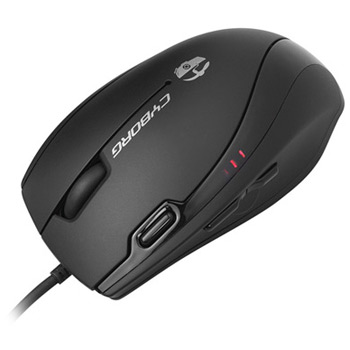
Cyborg V.3 USB Gaming Mouse
Scan code: LN32634
Manufacturer code: CCB440700002/06/1
End Of Life

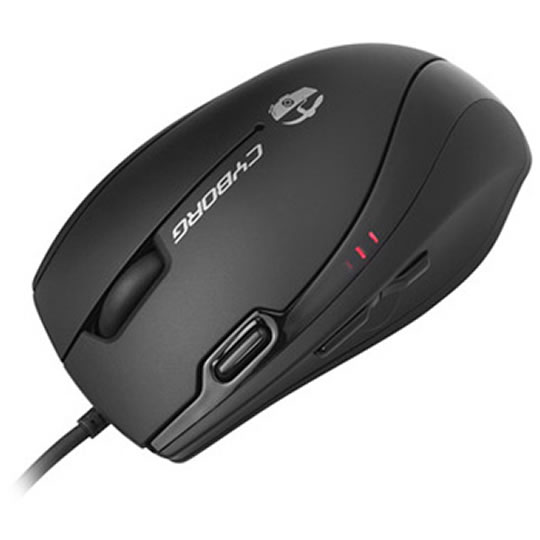
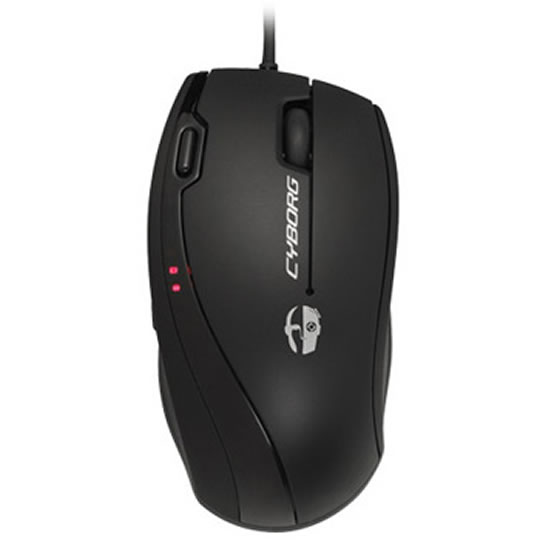
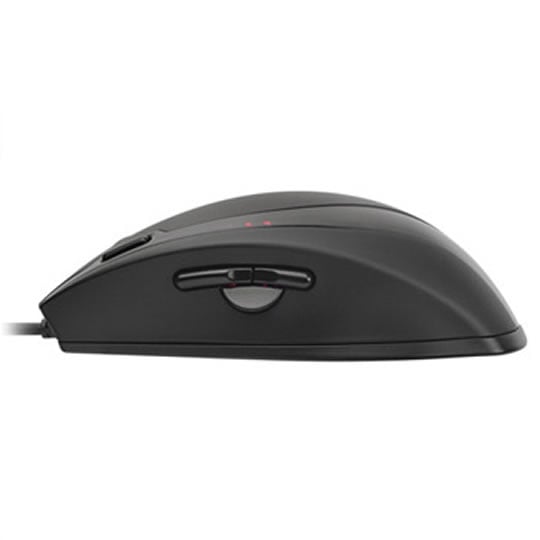
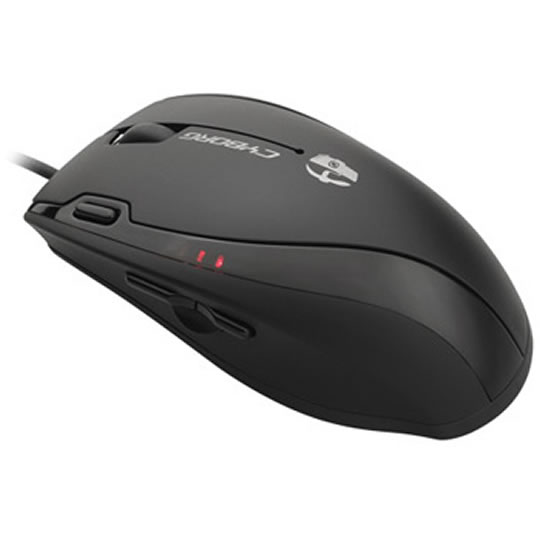


Cyborg V.3 USB Gaming Mouse
Cyborg V.3 USB Gaming Mouse 6 Button 3200dpi
Scan code:
LN32634
Manufacturer code:
CCB440700002/06/1
This product is no longer available to purchase.
Email me when the availability or price changes
- 3XS Approved Custom picked by our award winning 3XS Systems team.
Product Overview
• DPI range -3200dpi
• Acceleration - Up to 20G
• Polling Rate - Dynamic up to 500Hz
• Tracking Speed - Up to 1.6m/sec
System Requirements: Connectivity: USB 2.0 Features • High-performance 3200dpi laser technology for instant response and lethal accuracy.
• 6 buttons including 3 thumb keys, perfectly positioned for fast gaming action.
• Mode button enables 3 different commands for each button
• Rubberized wheel for easy, smooth scrolling.
• Powerful ST programming software – Create profiles for each game that you play to save different button configurations.
• Acceleration - Up to 20G
• Polling Rate - Dynamic up to 500Hz
• Tracking Speed - Up to 1.6m/sec
System Requirements: Connectivity: USB 2.0 Features • High-performance 3200dpi laser technology for instant response and lethal accuracy.
• 6 buttons including 3 thumb keys, perfectly positioned for fast gaming action.
• Mode button enables 3 different commands for each button
• Rubberized wheel for easy, smooth scrolling.
• Powerful ST programming software – Create profiles for each game that you play to save different button configurations.

