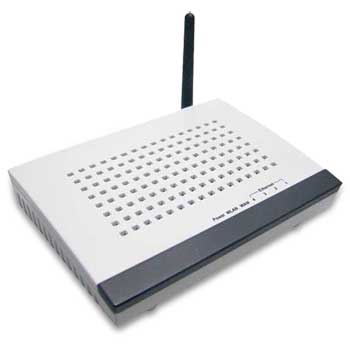
Newlink NLWL-ACC03 54Mbps Wireless Access Point Cable Router, Inc 4 Port Switch, Firewall, Filtering
Scan code: LN26713
Manufacturer code: NLWL-acc03
End Of Life

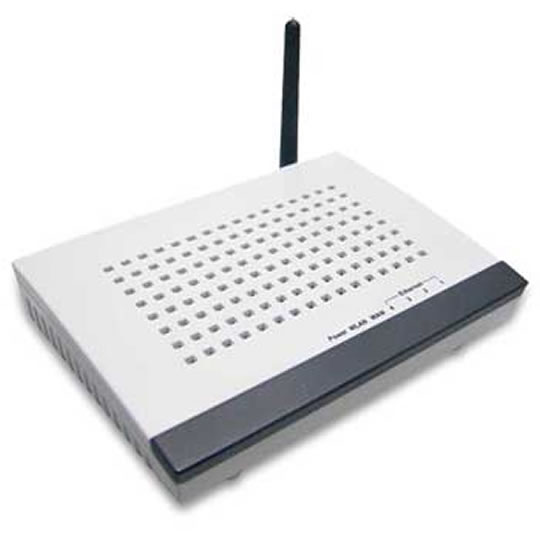

Newlink NLWL-ACC03 54Mbps Wireless Access Point Cable Router, Inc 4 Port Switch, Firewall, Filtering
Newlink NLWL-ACC03 54Mbps Wireless Access Point Cable Modem Router, Inc 4 Port Switch, Firewall, Filtering
Scan code:
LN26713
Manufacturer code:
NLWL-acc03
This product is no longer available to purchase.
Email me when the availability or price changes
- SCANPROTECT Protect against installation damage for 28 days.
Product Overview
The Newlink IEEE 802.11g Wireless Access Point / Router connect to a PC, Network Switch or Cable Modem, to provide a wireless network connection. It is backwards compatible with IEEE 802.11b devices, and uses the wireless 802.11g 2.4 GHz standard to offer users up to 300m of wireless coverage. (Depending on environment) It provides WEP encryption/decryption at 64/128 bit, with a Built-in Firewall and MAC Address Filtering.
Features
• Complies with IEEE 802.11g, IEEE 802.11b, IEEE802.3 standards.
• Built-in firewall supporting IP address filtering, Domain Name filtering, and MAC address filtering.
• Supports Auto MDI/MDIX.
• Supports Bridging, Routing, VPN, WISP functions.
• Frequency Band 2.4 GHz with fixed 3 dBi Antenna.
• Supports 54 Mbps wireless LAN data transfer rates.
• Transmission Distance Indoor up to 100m, outdoor up to 300m.
• Provides 64/128-bit WEP, TKIP/MIC and AES.
• Provides wireless LAN ACL (Access Control List) filtering.
• Built-in firewall supporting IP address filtering, Domain Name filtering, and MAC address filtering.
• Supports Auto MDI/MDIX.
• Supports Bridging, Routing, VPN, WISP functions.
• Frequency Band 2.4 GHz with fixed 3 dBi Antenna.
• Supports 54 Mbps wireless LAN data transfer rates.
• Transmission Distance Indoor up to 100m, outdoor up to 300m.
• Provides 64/128-bit WEP, TKIP/MIC and AES.
• Provides wireless LAN ACL (Access Control List) filtering.


