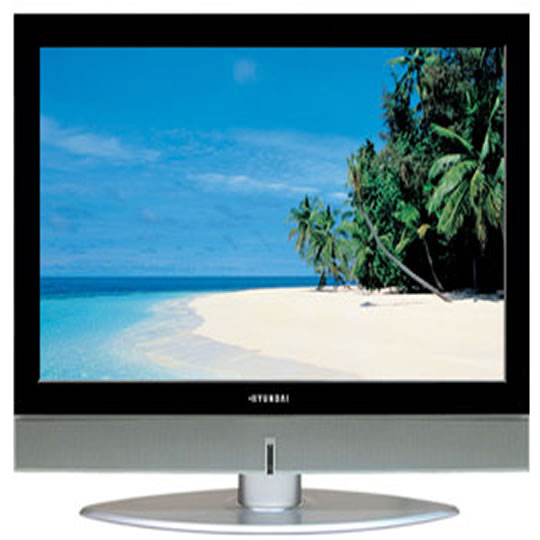
Hyundai IT 23" LCD TV Monitor
End Of Life
Hyundai IT 23" LCD TV Monitor
Scan code: LN18831 Manufacturer code: E230D
End Of Life

End Of Life

Hyundai IT 23" LCD TV Monitor

23" Hyundai IT E230D Silver/Black Widescreen, 1366x768, 800:1, 450cd/m2, 16ms, Speakers

Scan code: LN18831 Manufacturer code: E230D
End of life
This product is no longer available to purchase.

Email me when the availability or price changes

  • SCANPROTECT Protect against installation damage for 28 days.
Product Overview Features • Wide 23" LCD TV
• WXGA+(1366x768) Resolution
• Brightness : 450 cd/m2
• Contrast Ratio 800:1
• 170°(H)/170°(V) Viewing Angle
• 16ms Response Time
• 3Wx2ch Speaker System
Warranty

Please note your statutory rights are not affected.

For further information regarding Scan's warranty procedure please see our terms and conditions

Details
Duration:
24 months
Type:
Direct
DOA Period:
7 days
Manufacturer Contact Details
Manufacturer:
HYUNDAI // Repair-Tech
Telephone:
0871 855 3171

Additional Notes:
Subject to 2 years manufacturer's warranty, collect & return via "Repair-Tech"

This Warranty does not cover any damage due to abnormal use or conditions, misuse, neglect, abuse, accident, improper handling or storage, exposure to moisture, unauthorized modifications, alterations, or repairs, improper installation, improper use of any electrical source, undue physical or electrical stress, operator error, non-compliance with instructions.

Buying Guide
Display Panel Types
Display Panel Types
Date Issued: 15th May 2015

Choosing a monitor is not an easy decision to make, and not just because of the large number of variations in resolution, refresh rates, sizes and connectivity options. There are also varying panel technologies used to form each display that need to be considered. These panel technologies can be grouped into three broad categories which cover the vast majority of monitors sold in the consumer market.

Read More

NVIDIA G-Sync
NVIDIA G-Sync
Date Issued: 17th Dec 2013

G-SYNC works in a surprisingly simple way - it calculates how long the present frame takes to compute and then, crucially, varies the refresh rate of the monitor to match. It works between a minimum of 33.3ms (30fps) and the maximum supported refresh of the display. The key takeaway here is that the graphics card and monitor are both synced up to one another - the monitor doesn't have the limitations imposed by a rigid, fixed-rate scanning routine.

Read More