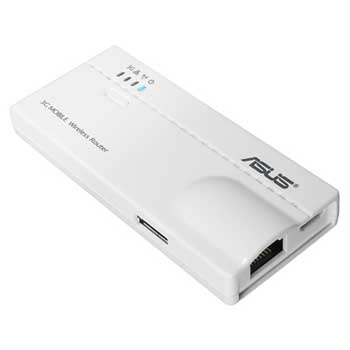
ASUS WL-330N3G Wireless N Router Mobile 3G
Scan code: LN40877
Manufacturer code: WL-330N3G
End Of Life

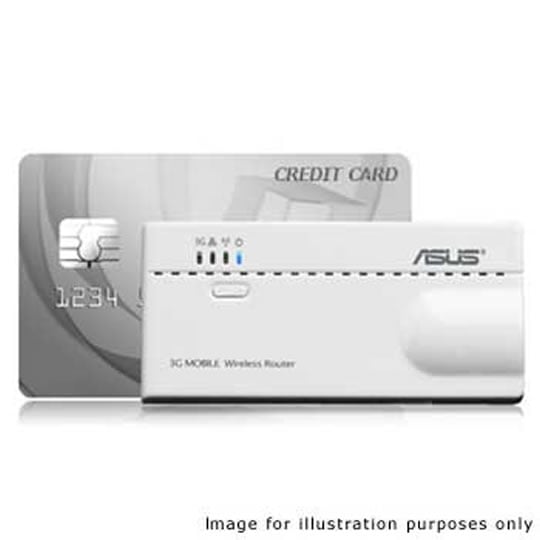


ASUS WL-330N3G Wireless N Router Mobile 3G
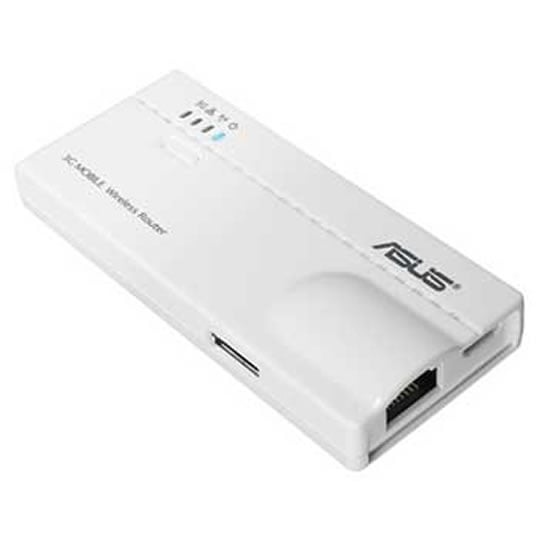
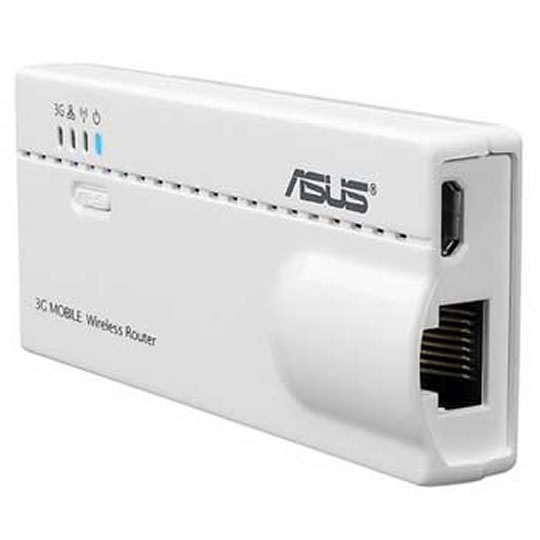
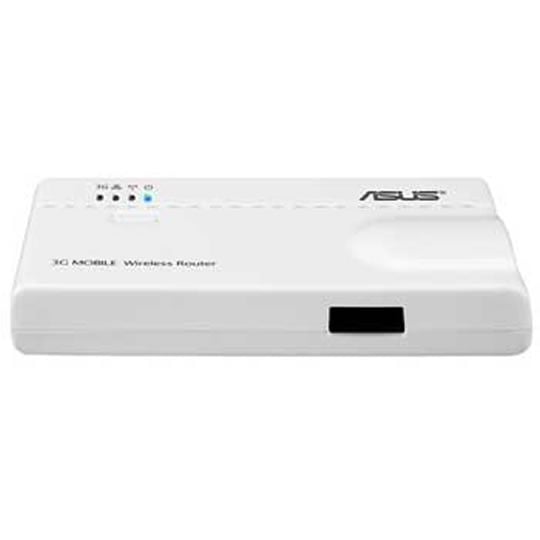
ASUS WL-330N3G 6-in-1 Wireless N Mobile Router 3G
Scan code:
LN40877
Manufacturer code:
WL-330N3G
This product is no longer available to purchase.
Email me when the availability or price changes
- 48HR REPLACEMENT If you need to return this item, your replacement will be dispatched within 2 working days of your product arriving back at Scan.
Product Overview
Industry-leading 6-in-1 Multi-role Functionality
Delivering spectacular utility and value, the WL-330N3G works as six different devices rolled into one. What's worth highlighting first is its Hotspot Mode and 3G sharing Mode. As a hotspot, it can serve as a mobile Wi-Fi connection for several devices at no extra cost. While in 3G sharing mode, it provides internet connectivity for several devices through the 3G network. This mode works in conjunction with a 3G USB adapter. The other four modes allow your devices to get connected in different scenarios!
Ultra-portability with Footprint Smaller Than a Credit Card
Its footprint is smaller than a credit card, making it very easy to carry and literally pocket sized, but not at the expense of functionality. This is a full wireless router designed for those on the move, especially businessmen, commuters, students and mobile professionals.
Plug-n-Surf Installation with Graphic Management
The ASUS WL-330N3G's wizard-based setup makes it extremely easy to configure, even for novices. The fast process is extremely simple thanks to ASUS Plug-n-Surf and network detection. This intuitive router setup means users don't need to read through long manuals, and can get online with great freedom and no hassle.
Features • Interface: 1x RJ45 for 10/100 BaseT with auto cross-over function (MDI/MDI-X)
• Antenna: Internal 2.6 dBi antenna x 1
• LED Indicator: PWR, LAN, AIR, USB
• Operating Frequency: 2.4GHz
• Firewall : NAT, SPI, DoS attack prevention, Virtual DMZ
• Filtering : Port, IP address, Protocol, URL Keyword
• Encryption : 64/128-bit WEP, WPA-PSK TKIP/AES, WPA2-PSK TKIP/AES
• Authentication : MAC address
• Dimensions: 90 x 38.9 x 12.8 mm (LxWxH)
Delivering spectacular utility and value, the WL-330N3G works as six different devices rolled into one. What's worth highlighting first is its Hotspot Mode and 3G sharing Mode. As a hotspot, it can serve as a mobile Wi-Fi connection for several devices at no extra cost. While in 3G sharing mode, it provides internet connectivity for several devices through the 3G network. This mode works in conjunction with a 3G USB adapter. The other four modes allow your devices to get connected in different scenarios!
Ultra-portability with Footprint Smaller Than a Credit Card
Its footprint is smaller than a credit card, making it very easy to carry and literally pocket sized, but not at the expense of functionality. This is a full wireless router designed for those on the move, especially businessmen, commuters, students and mobile professionals.
Plug-n-Surf Installation with Graphic Management
The ASUS WL-330N3G's wizard-based setup makes it extremely easy to configure, even for novices. The fast process is extremely simple thanks to ASUS Plug-n-Surf and network detection. This intuitive router setup means users don't need to read through long manuals, and can get online with great freedom and no hassle.
Features • Interface: 1x RJ45 for 10/100 BaseT with auto cross-over function (MDI/MDI-X)
• Antenna: Internal 2.6 dBi antenna x 1
• LED Indicator: PWR, LAN, AIR, USB
• Operating Frequency: 2.4GHz
• Firewall : NAT, SPI, DoS attack prevention, Virtual DMZ
• Filtering : Port, IP address, Protocol, URL Keyword
• Encryption : 64/128-bit WEP, WPA-PSK TKIP/AES, WPA2-PSK TKIP/AES
• Authentication : MAC address
• Dimensions: 90 x 38.9 x 12.8 mm (LxWxH)


