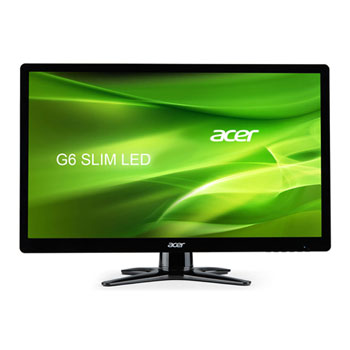
Acer G226HQLBbd 21.5" LED Monitor with TN Panel
Scan code: LN48339
Manufacturer code: UM.WG6EE.B03
End Of Life

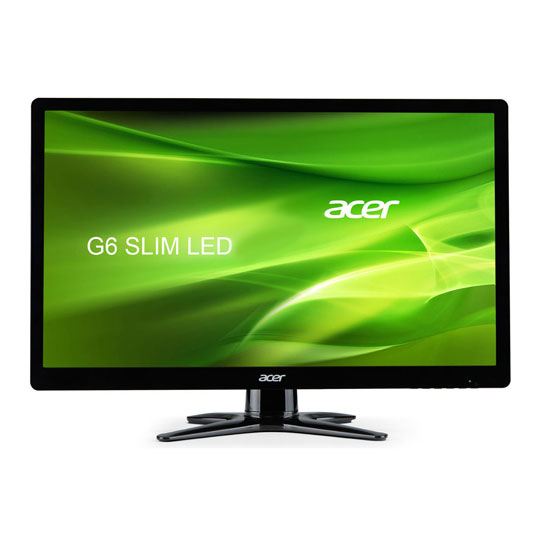
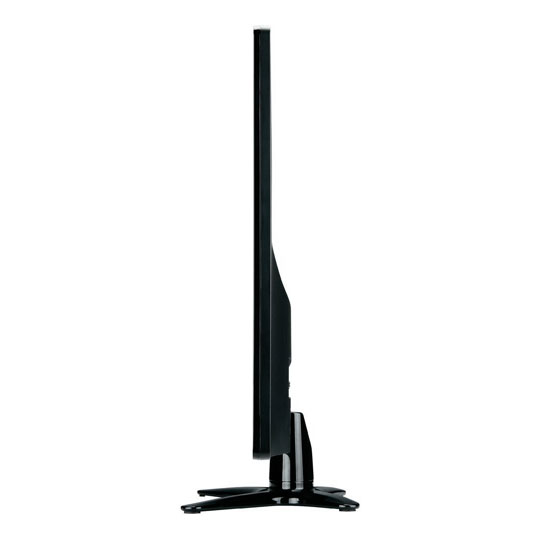


Acer G226HQLBbd 21.5" LED Monitor with TN Panel
21.5" Acer G226HQLBbd Monitor, TN Panel, 1920x1080, 5ms, 200cd/m² Brightness, D-Sub/DVI, Black
Scan code:
LN48339
Manufacturer code:
UM.WG6EE.B03
This product is no longer available to purchase.
Email me when the availability or price changes
- SCANPROTECT Protect against installation damage for 28 days.
Product Overview
Enjoy the straight forward Acer G226HQLBbd 21.5 inch widescreen LED monitor and appreciate high definition illustrations and vivid text all at a price you can afford.
Appreciate crisp sharp colour graphic images with resolutions up to 1920 x 1080 and fast 5ms response time to eliminate motion blur and ghosting, improving your viewing experience. Easily adjust the brightness, contrast ratio with the function buttons available on the front of the display.
The stylish full HD flat screen black display will fit into your existing home or office environment and can be quickly connected to your existing computer PC using the DVI and VGA ports, complimenting your workstation and improving your productivity and visuals.
The Acer G series displays engaging high-definition visuals and crystal-clear text on its cinematic widescreen. The brilliant design and simplified functionality make the great value of this monitor easy to see!
Features Impressive design
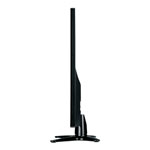
The chic black bezel and aviation-inspired base present a polished look that's eye-catching as a desktop PC complement or secondary notebook display.
Brilliant display
The superior resolution, fast response time, and high contrast ratio provide extra-fine details and smooth movement for your favorite entertainment. The 16:9 aspect ratio frames movies and HDTV content perfectly.
Straightforward functionality
Just press the input key on the main menu and the G series automatically searches signals across its VGA, DVI. A press of the empowering key launches the Acer ecolor management onscreen interface for adjusting the setup and color to create a personalized viewing experience.
Appreciate crisp sharp colour graphic images with resolutions up to 1920 x 1080 and fast 5ms response time to eliminate motion blur and ghosting, improving your viewing experience. Easily adjust the brightness, contrast ratio with the function buttons available on the front of the display.
The stylish full HD flat screen black display will fit into your existing home or office environment and can be quickly connected to your existing computer PC using the DVI and VGA ports, complimenting your workstation and improving your productivity and visuals.
The Acer G series displays engaging high-definition visuals and crystal-clear text on its cinematic widescreen. The brilliant design and simplified functionality make the great value of this monitor easy to see!
Features Impressive design
The chic black bezel and aviation-inspired base present a polished look that's eye-catching as a desktop PC complement or secondary notebook display.
Brilliant display
The superior resolution, fast response time, and high contrast ratio provide extra-fine details and smooth movement for your favorite entertainment. The 16:9 aspect ratio frames movies and HDTV content perfectly.
Straightforward functionality
Just press the input key on the main menu and the G series automatically searches signals across its VGA, DVI. A press of the empowering key launches the Acer ecolor management onscreen interface for adjusting the setup and color to create a personalized viewing experience.


Acer G226HQLBbd 21.5" LED Monitor with TN Panel
![Acer G226HQLBbd 21.5" LED Monitor with TN Panel]()